 PressLish
PressLish for schools: newsletters, certificates and notices after Publisher
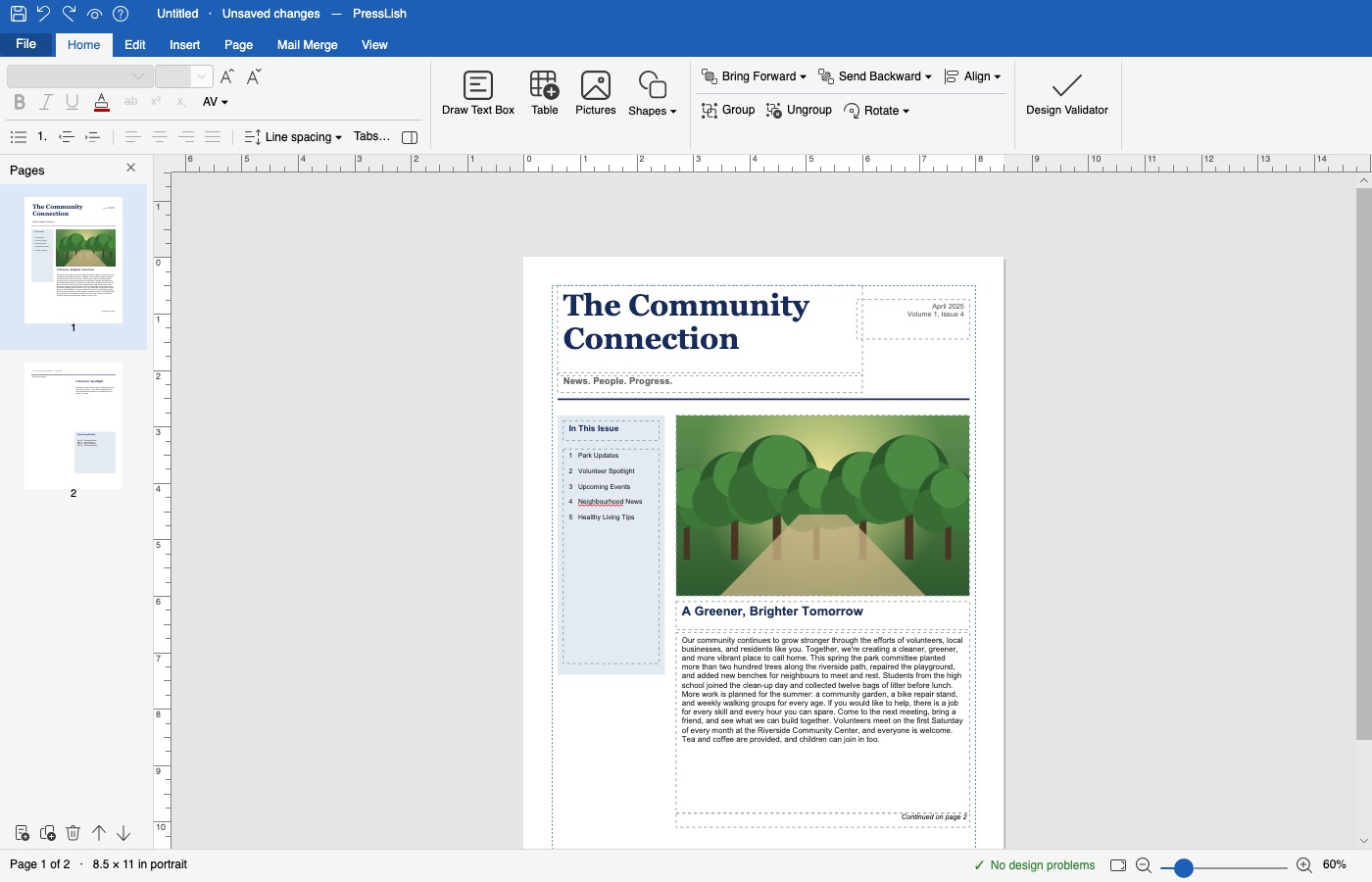
Teachers and school offices can keep editing the newsletters, certificates, signs and classroom materials they made in Publisher with PressLish: it opens .pub files directly, so years of materials that change every term don't have to be rebuilt.
Free for 9 days, no card needed. Windows 10 and 11; Mac version coming soon.
- Newsletters with stories that continue on the next page, text that wraps around pictures, and a school newsletter design to start from.
- Student of the Month, participation and gold certificates ready to fill in.
- Certificates with each pupil's name from an Excel list (mail merge).
- Notices, signs and labels, printed or saved as PDF.
- Convert a whole folder of old publications to PDF to keep.
For school IT
PressLish installs per user on Windows 10 and 11 without administrator rights. The installer is not yet code-signed, so Windows shows a warning the first time (how to install it). Write to presslish-help@enricx.com for several licences.
Questions
Can teachers keep using their Publisher files?
Yes. PressLish opens .pub files so teachers can keep editing materials that change every year.
Does PressLish need administrator rights to install?
No. It installs for the current user on Windows 10 and 11.
Free for 9 days, no card needed. Windows 10 and 11; Mac version coming soon.
More guides
- How to open a .pub file without Microsoft Publisher
- Microsoft Publisher is retiring in October 2026: what to do with your files
- A Microsoft Publisher alternative that opens your .pub files
- Convert a Publisher (.pub) file to PDF, Word or pictures
- Mail merge and labels without Microsoft Publisher
- PressLish for churches: keep your bulletins and newsletters after Publisher
- PressLish for clubs, community groups and families
- Microsoft Publisher alternatives compared: PressLish, Canva, Word, LibreOffice, Affinity