 PressLish
Microsoft Publisher is retiring in October 2026: what to do with your files
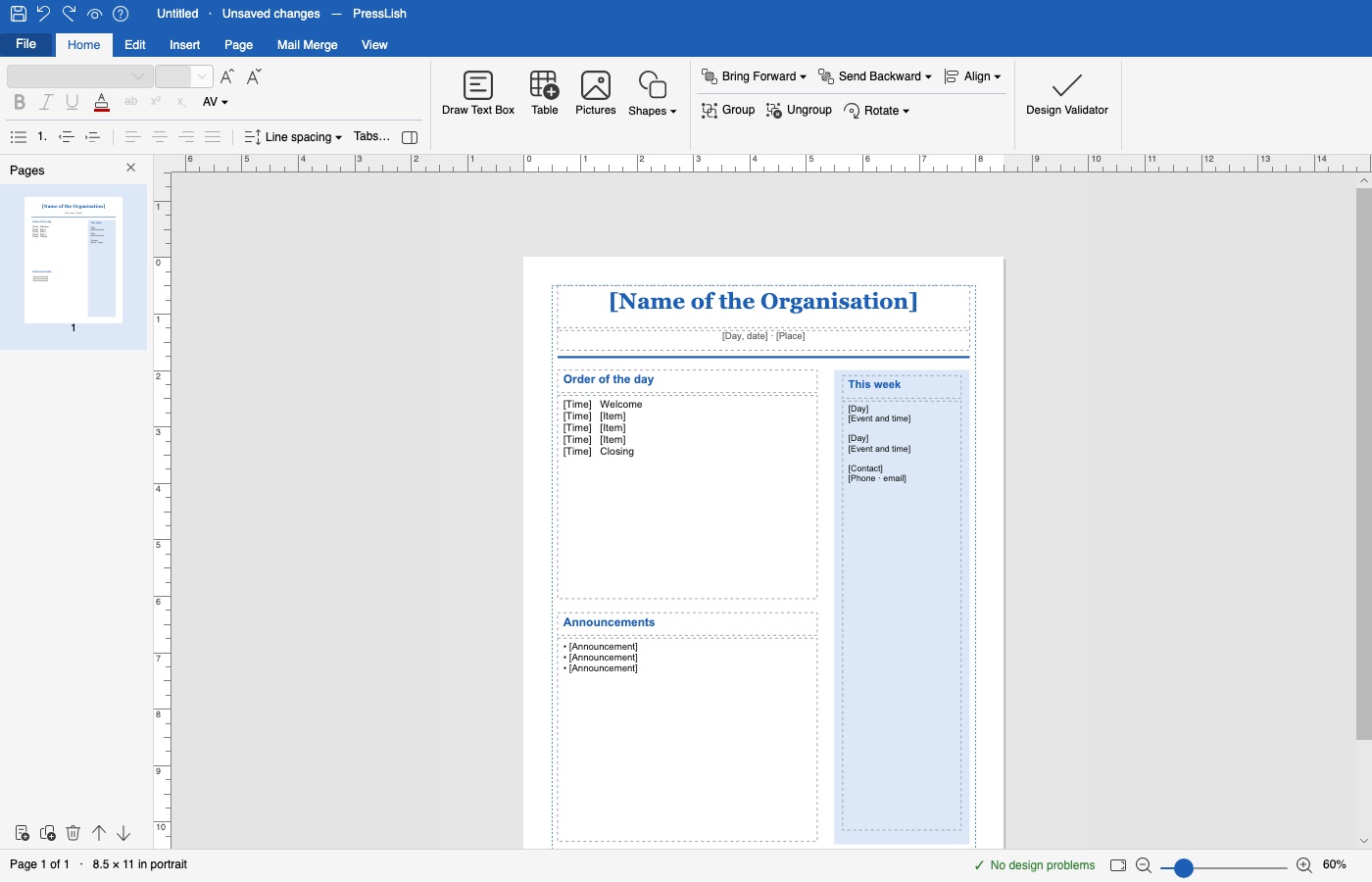
Microsoft is retiring Publisher in October 2026: it is removed from Microsoft 365, and Publisher 2016, 2019 and 2021 stop getting updates. Your .pub files don't disappear, but without Publisher you can't open or edit them. PressLish is a desktop editor that opens .pub files and lets you keep editing, printing and exporting them, without Publisher.
Free for 9 days, no card needed. Windows 10 and 11; Mac version coming soon.
What changes
- Microsoft 365 subscribers lose Publisher: it is no longer included or installed.
- Bought copies (Publisher 2016, 2019, 2021) keep running where they are installed, but get no more security or bug fixes, and Microsoft no longer sells them.
- Microsoft's own advice is to save publications as PDF and open them in Word, and it warns that the layout may change, especially with many pictures.
What you can do
- Keep working in your files: open them in PressLish and edit them as before: the weekly bulletin, the yearly newsletter, the certificates you reuse.
- Keep a readable copy: from PressLish, export everything you want to keep as PDF.
- Don't rush into a rebuild: redesigning years of templates in Canva or Word takes a long time, and the results often don't match.
Who this affects most
Church offices with years of bulletins, schools with newsletters and certificates, clubs and community groups, small businesses and print shops with client files, and families with cards, calendars and family trees made in Publisher.
Questions
When does Microsoft Publisher stop working?
Microsoft retires Publisher in October 2026. It is removed from Microsoft 365, and Publisher 2016, 2019 and 2021 stop getting updates.
Will my .pub files be deleted?
No. Your files stay where they are. What goes is the program that opens them; PressLish can open them instead.
Can I still use Publisher 2021 after October 2026?
An installed copy keeps running on that computer, but it no longer gets security fixes, and Microsoft no longer sells it.
What is the best replacement for Microsoft Publisher?
If you want to keep editing your existing .pub files the way you did in Publisher, PressLish opens them directly and works like Publisher. If you are starting from scratch online, Canva is another option, but it cannot open .pub files.
Free for 9 days, no card needed. Windows 10 and 11; Mac version coming soon.
More guides
- How to open a .pub file without Microsoft Publisher
- A Microsoft Publisher alternative that opens your .pub files
- Convert a Publisher (.pub) file to PDF, Word or pictures
- Mail merge and labels without Microsoft Publisher
- PressLish for churches: keep your bulletins and newsletters after Publisher
- PressLish for schools: newsletters, certificates and notices after Publisher
- PressLish for clubs, community groups and families
- Microsoft Publisher alternatives compared: PressLish, Canva, Word, LibreOffice, Affinity